Create your own pictures with AI — for fun, for gifts, and just to see what happens
One of the things that surprises people most at my library talks is this: you can describe any image you can imagine — in plain English — and AI will create it for you within seconds. A watercolour of your garden. A portrait of your cat dressed as a Victorian gentleman. A painting of the Norfolk coast at sunset in the style of a famous artist. Whatever you picture in your mind, you can now put on a screen.
It's one of the most joyful and surprising things AI can do. And it's genuinely accessible to everyone.
What tools can create images?
Several AI tools can generate images from a written description. The most accessible for beginners are ChatGPT (chatgpt.com), which has image creation built in, and Adobe Firefly (firefly.adobe.com), which is designed to be straightforward and safe to use. Microsoft's Copilot (copilot.microsoft.com) also creates images for free and works well on any device. All of them work in the same way: you describe what you want, and the AI paints it.
What to try first
The best way to start is with something that makes you smile. Here are a few ideas that always go down well:
A portrait of a pet — describe your dog or cat, their colouring, their personality, and ask for it as an oil painting or a watercolour. The results are often extraordinary.
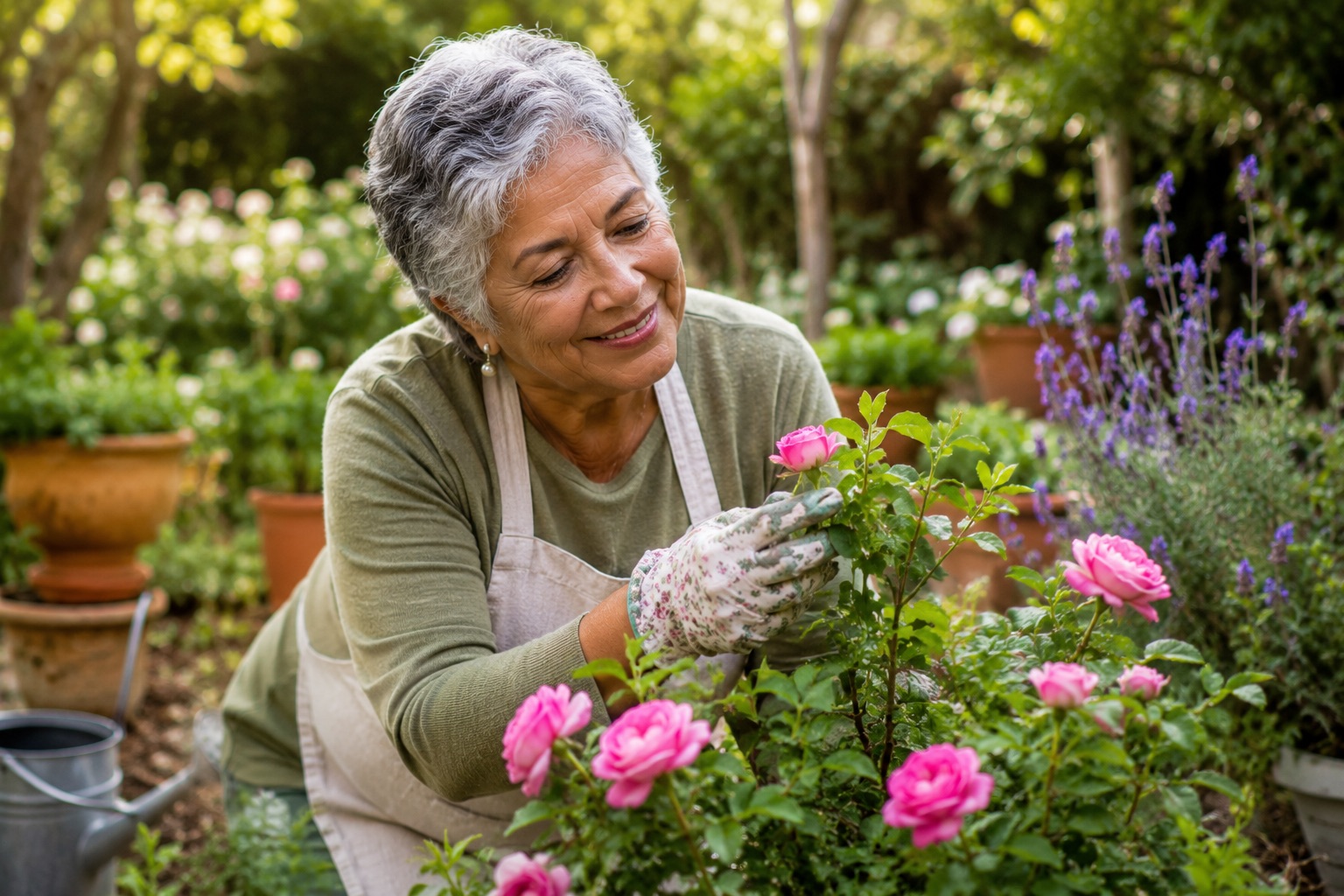
A scene from your garden — describe it as it looks in a particular season and ask for it in the style of a specific painter. "A watercolour of an English cottage garden in June, with roses and hollyhocks, in the style of Monet" produces something truly beautiful.
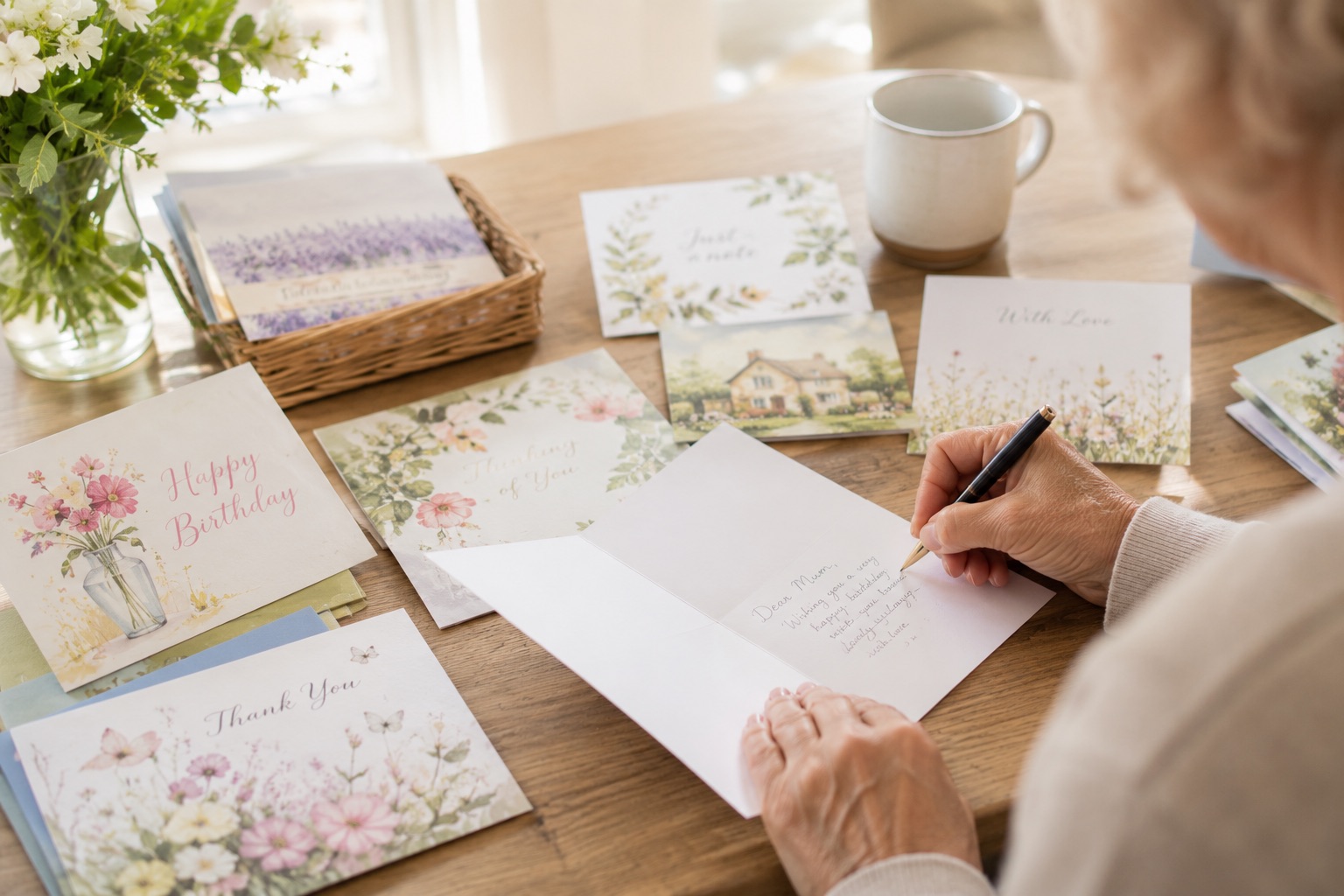
A picture for a card or gift — describe a scene meaningful to someone you love. A painting of the place where they got engaged, the view from their favourite walk, or their home as it looks at Christmas.
Something purely for fun — "a golden retriever wearing a top hat, sitting at a grand piano, in a Victorian drawing room" is exactly the kind of thing AI does brilliantly and that never fails to make people laugh.
How to describe what you want
You don't need any special language. Just write it as you'd describe it to a friend. The more detail you give, the more accurately the image will match what you had in mind. Include the style you'd like (photograph, watercolour, oil painting, sketch, cartoon), the mood (bright and cheerful, soft and dreamy, dramatic), and any specific details that matter to you.
If the first result isn't quite right, simply say what you'd like changed: "Make it a bit warmer" or "Add more flowers in the foreground" or "Can you make her expression more peaceful?" The AI will adjust it.
A few sensible guidelines
AI image tools are designed to be safe and positive, and they decline requests that are inappropriate. A few simple guidelines will keep your experience enjoyable. Don't try to create realistic images of real people — particularly anyone famous or living — as this can cause problems and most tools will refuse anyway. Avoid anything violent, disturbing or offensive. And be thoughtful about sharing images online — just because AI created it doesn't mean it can't be misunderstood or misused by others.
Within those common-sense boundaries, the creative world is genuinely wide open. People have used AI images to illustrate family histories, create unique greetings cards, produce artwork for their walls, and design covers for the memoirs they're writing. The possibilities are as broad as your imagination.
Can I use the images I create?
For personal use — printing, sharing with family, making into cards or gifts — the images you create are yours to enjoy. If you're thinking of using them commercially or publishing them widely, it's worth reading the terms of whichever tool you used, as the rules vary slightly. For most everyday personal purposes, though, you'll have no issues at all.
Want to see this live?
Kevin demonstrates AI image creation at his library talks — it's always one of the moments that gets the biggest reaction. Come along and see it happen in front of you. Free, friendly, and no booking needed.
See upcoming library events