How to start using AI online from any phone, tablet or computer
If you’ve heard people talking about AI and thought “that sounds interesting but I wouldn’t know where to begin” then this post is for you. The good news is that getting started is easy. There’s nothing to download or install and no technical knowledge needed. All you need is a device with a browser and the chances are you’re already reading this on one.
If you’re still not sure AI is for you, start with my post for the sceptics and come back here when you’re ready.
What are we actually talking about?
When people say “AI” these days, they usually mean a conversational AI tool. That’s something you type a question or request to and it replies in plain English. Think of it as a remarkably knowledgeable, endlessly patient assistant who is available twenty-four hours a day and happy to answer anything.
There are four you’re likely to come across and all of them are free to start with:
- ChatGPT, made by a company called OpenAI, at chatgpt.com
- Claude, made by a company called Anthropic, at claude.ai
- Gemini, made by Google, at gemini.google.com
- Copilot, made by Microsoft, at copilot.com
They all work in much the same way. You type something and it replies. If you have an Android phone, Gemini may well be on it already and new Windows computers usually come with Copilot. Which one you prefer is simply a matter of personal taste and you’re very welcome to try more than one. My post Which AI is right for you? can help you decide.
What device do you have?
Here’s one of the things I love telling people: any device will do. Whether you’re sitting at a desktop computer, using a laptop at the kitchen table, picking up your tablet from the sofa or glancing at your phone, the process is identical. You open your internet browser, type in the address and you’re there.
Your browser is the app you already use to look at websites. It’s the one with the little compass icon, the colourful circle or the blue “e”. On an iPhone it’s called Safari. On most Android phones and tablets it’s Chrome. On a laptop or desktop you might use Edge, Chrome, Firefox or Safari. Any of them will work perfectly.
Step one: open your browser
Find your browser and tap or click to open it, the same way you would if you were about to look something up online or check the news. You’ll see an address bar at the top of the screen. That’s where you type the web address.
Step two: go to the website
Tap or click in the address bar and type one of the following:
chatgpt.com for ChatGPT
claude.ai for Claude
gemini.google.com for Gemini
copilot.com for Copilot
Then press Enter (or Go or the return key on your phone’s keyboard). The page will load and you’ll be greeted with a clean, simple screen.
Creating your free account
To keep your conversations and use everything on offer, including talking to it and showing it photos, you’ll need a free account. It only takes a couple of minutes and there are no card details involved.
ChatGPT, Gemini and Copilot will let you try a few questions first without signing in, although your conversations aren’t saved. Claude asks you to create an account straight away.
All you need is an email address. If you already have a Google, Microsoft or Apple account, most of them will let you sign in with that instead.
Good to know: Claude doesn’t use a password. Each time you sign in, Claude sends you an email. Open it and tap the link inside and you’re in. If you open the email on a different device, it gives you a short code to type in instead. So keep your emails handy whenever you use Claude.
The others work differently. ChatGPT may ask you to choose a password and it may also email you a code to check it’s you. Gemini uses your Google account, the one you use for Gmail or the Play Store. Copilot works with a Microsoft account and will also accept an Apple or Google account. If you do choose a password, keep it somewhere safe.
Step three: type something, anything
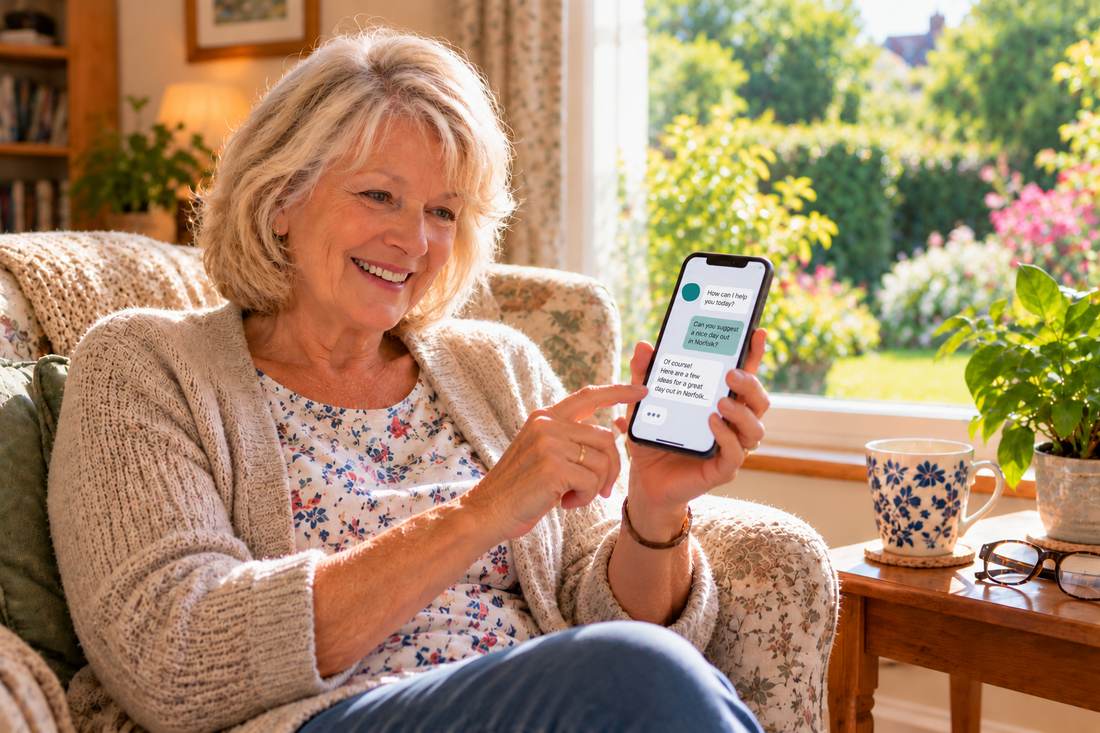
Once you’re in, you’ll see a box at the bottom of the screen where you can type. This is where the magic happens. Click or tap on it and type whatever you like. The best way to start is with something real you’d like help with, like:
“I need to write a birthday message for my sister who is turning 70. She loves gardening and walking.”
Write the way you’d write a text to a friend, spelling mistakes and all. It will understand you perfectly well.
Then press Enter or tap the send button (it usually looks like an arrow). Within a few seconds, a reply will appear. That, quite honestly, is how it begins.
If a reply includes something you’ll act on, such as a price, an opening time or a date, give it the same quick look you’d give anything you found on Google. That’s just being thorough.
Wondering what to type? My free Build a Great AI Prompt tool asks you a few simple questions and turns your answers into a ready-to-use prompt.
One thing I always say at my sessions
That first conversation tends to be the one that changes everything. People sit down, type something in and within thirty seconds they’re smiling. I see it happen at every single session. I’d love for it to happen for you, wherever you are and whatever device you’re holding.
When you’re ready for it, my post on the best first question to ask an AI shows you how to make that first conversation count.
What’s next
Once you’ve had your first conversation, the next step is putting AI on your phone or tablet as an app, so it’s always one tap away. My post on how to download the app takes you through it.
A note on dates. Everything here was checked when it was written and I go back over my posts regularly to keep them up to date. Apps, prices and rules do change, so for anything important a quick look at the official source is worth it.



Want to see this in person?
At Kevin’s free library presentations, he walks through exactly this live on screen, with real examples. No booking needed, completely free and a lovely way to see it all happen in front of you. Come along and give it a try.
See upcoming library events Try apps, songs & games made with AI