Home My Book Blog Upcoming Events AI Creations Contact Book a Free Talk
A live example from the Advanced Workshop

Build Your Own Premier League App

This is a real, working app Kevin built with AI — not a mock-up. Pick your club, add your name, and it becomes yours: your team's colours, your fixtures, your table position, right there on your phone.

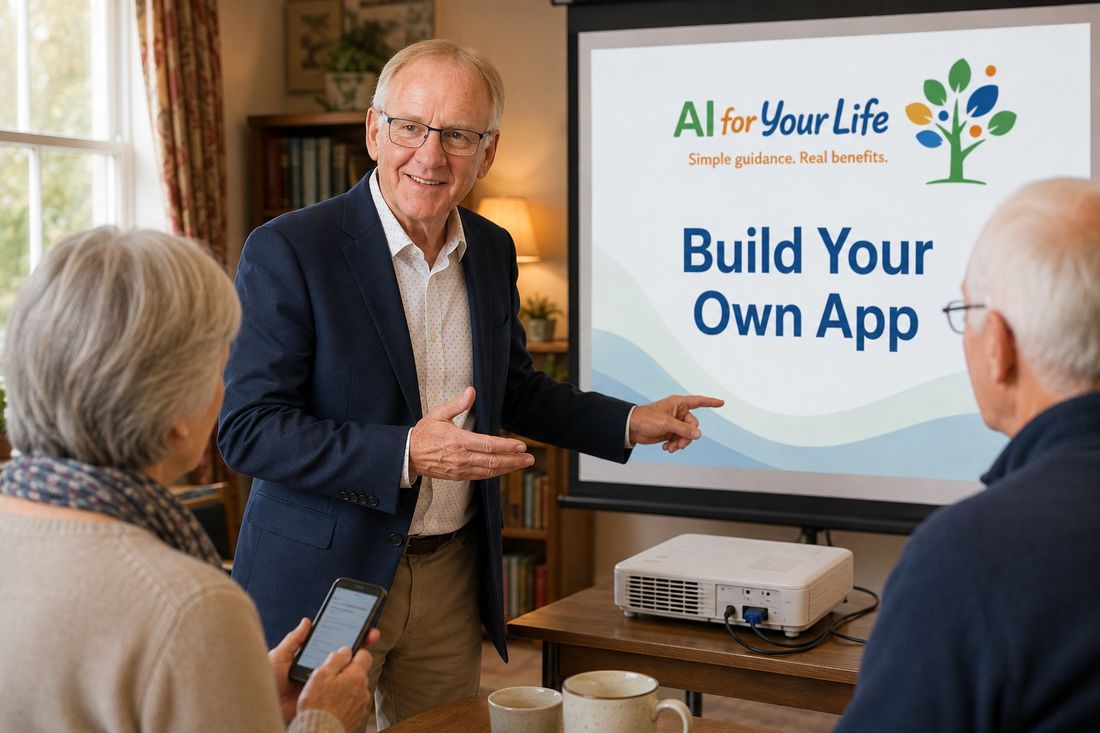
Kevin pointing to a presentation slide reading 'Build Your Own App' during an Advanced Workshop, with two attendees looking on, one holding a phone

An app built entirely with AI — in one afternoon

Kevin used AI to build this from scratch: live fixtures, results, the table, news and squads — re-styled around whichever club you choose. It's shown in the Advanced Workshop as proof of how far a few clear instructions to AI can go.

Three steps to make it yours

1

Open the app

No download, no app store, no account to create.

Open the App
2

Enter your name and pick your club

Choose from all 20 Premier League clubs. The app switches to your team's colours and badge immediately.

3

Explore — and add it to your home screen

Fixtures, results, the table, news and squad are all there, personalised to your club. Follow the steps below to give it its own icon on your phone.

Make it feel like a real app

Add it to your phone's home screen

Once you're happy with your setup, you can add it to your home screen so it opens with one tap — just like any other app, with its own icon.

📱 On an iPhone or iPad (Safari)

  1. Open the app in Safari and set up your team
  2. Tap the Share icon (the square with an arrow) at the bottom of the screen
  3. Scroll down and tap "Add to Home Screen"
  4. Tap "Add" in the top corner — your app icon appears on your home screen

🤖 On Android (Chrome)

  1. Open the app in Chrome and set up your team
  2. Tap the three dots (⋮) in the top right corner
  3. Tap "Add to Home screen" (sometimes shown as "Install app")
  4. Confirm — your app icon appears on your home screen

"Football is one of the most popular things in the country — which makes it a great example. If AI can build this from a conversation, imagine what it can do for something that matters to you personally."

— Kevin, on why this example is in the Advanced Workshop

Curious how something like this gets built?

This example comes from the Advanced Workshop and one-to-one coaching, where Kevin works through AI projects step by step with you.

See upcoming events Ask about 1-to-1 coaching